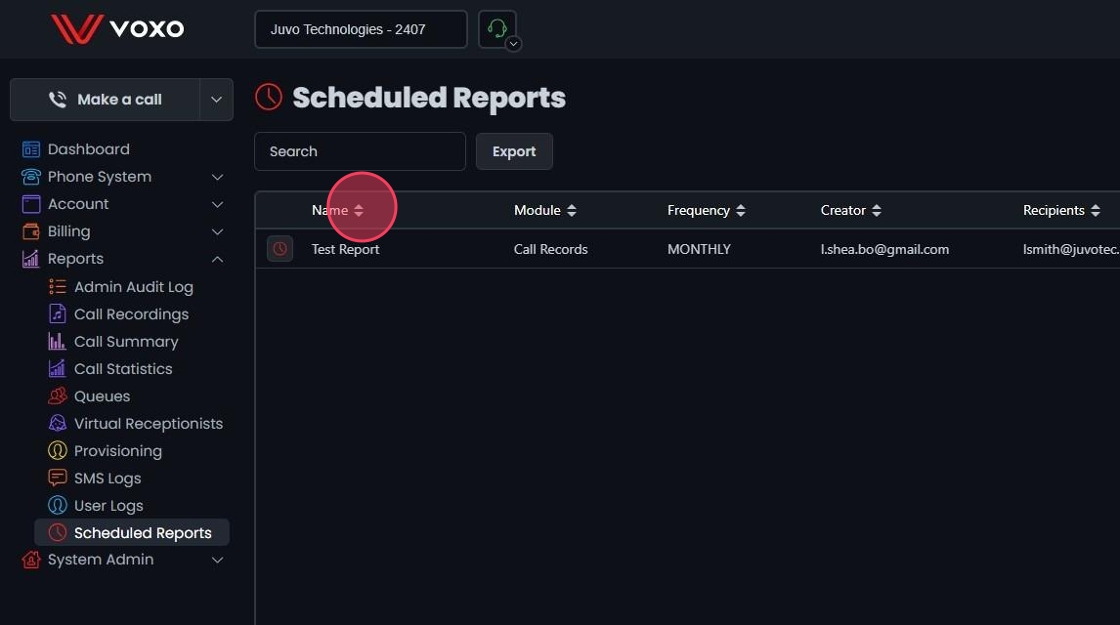
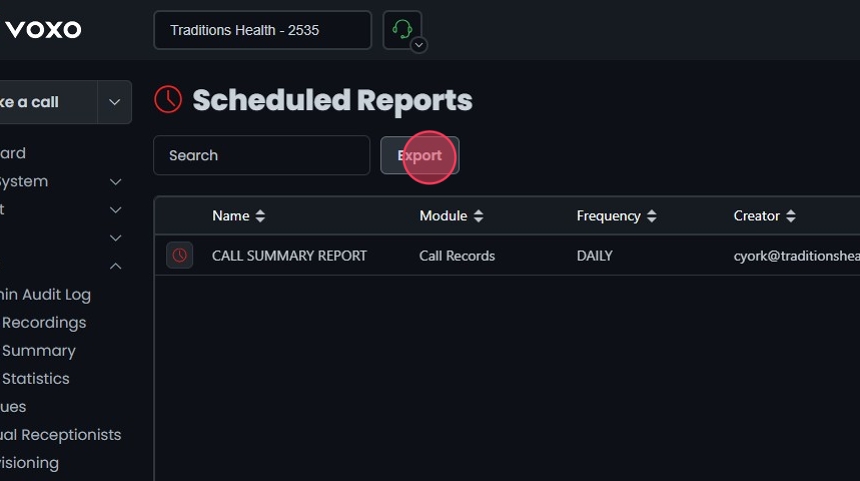
This guide provides step-by-step instructions on how to manage scheduled reports within the Omnia Admin Portal.
This guide provides step-by-step instructions on how to manage scheduled reports within the Omnia Admin Portal.
Access to this Report:Access to this report is based on your user role. You may not be able to access and view a specific report and all of its features if your role does not permit it.
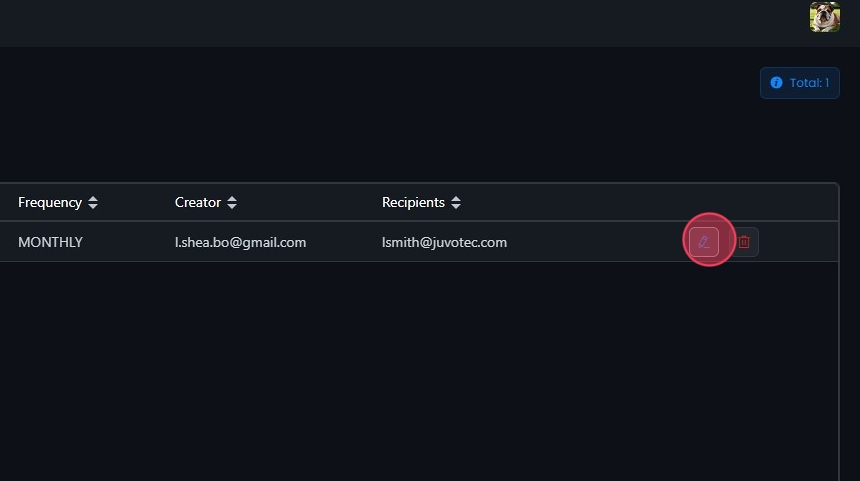
Click the Edit button next to the scheduled report you want to edit or click directly on the report.
Update Report Settings:
When you select a scheduled report, you can modify the report name, frequency, recipients, and enable/disable the report as needed.
The current settings are displayed for:
Name: The name of the scheduled report.
Frequency: How often the report is sent.
Recipients: The email addresses of the report recipients.
Module: The report module.
Creator Email: The email address of the report creator.
Filters: The filters applied to the report.
Click Save to apply any changes.