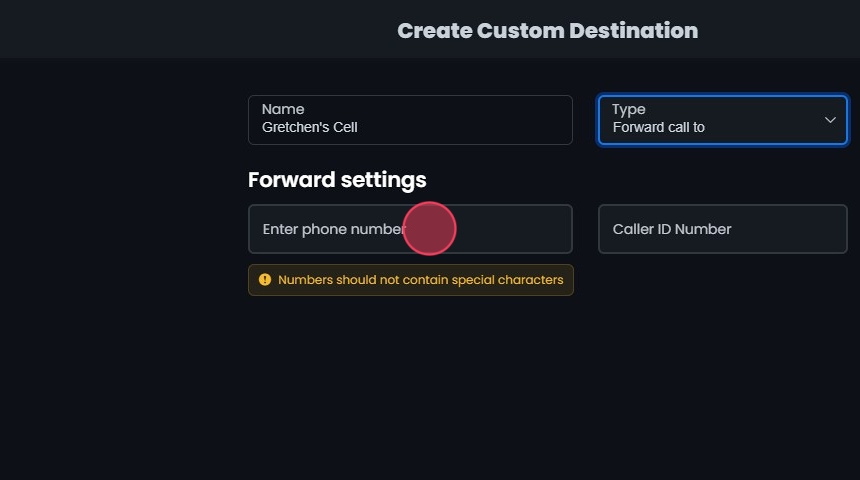
Custom destinations are call routing specifications defined by a system administrator, such as forwards to external numbers.
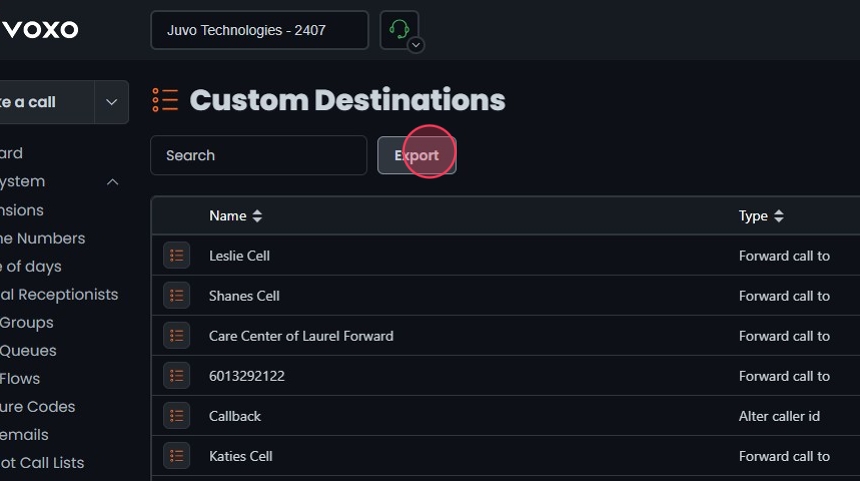
Custom destinations are call routing specifications defined by a system administrator, such as forwards to external numbers. They can be used across various features in Omnia to route phone numbers, IVRs, and other call handling elements. This guide explains how to manage custom destinations in the Omnia Admin Portal, including adding, editing, deleting, searching, and exporting them.
This document applies to the following user roles within Omnia:Account Administrator
Partner Administrator
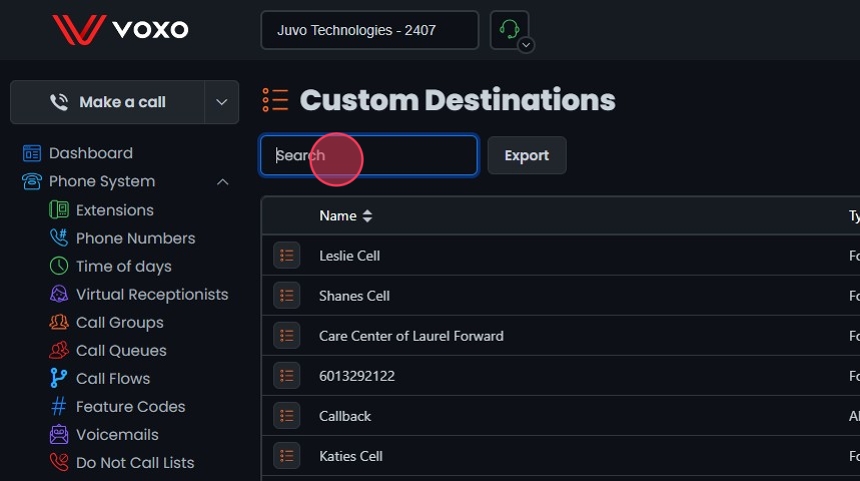
Search Bar: Quickly find specific items by typing the name or a keyword in the search field. The system will filter the list based on your search input, displaying the relevant results.
Sort: Click the sort icons next to the column headers to arrange items in ascending or descending order.