

What you can see in this report depends on your user role.
Accessing IVR Activity
- Go to the Admin Portal and sign in.
-
Click Reports to expand it, then select Virtual Receptionists > IVR Activity.

Filtering the Data
-
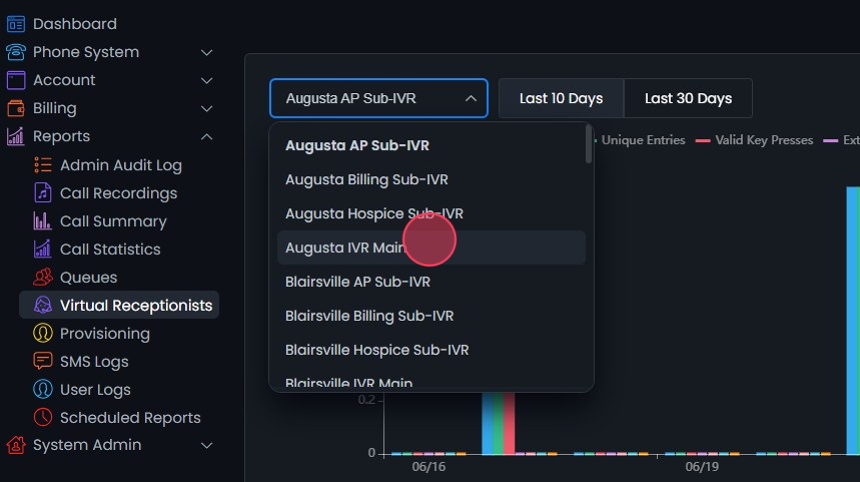
Pick the IVR you want to view from the dropdown.
-
To change the date range, click Last 10 Days or Last 30 Days at the top of the page.

-
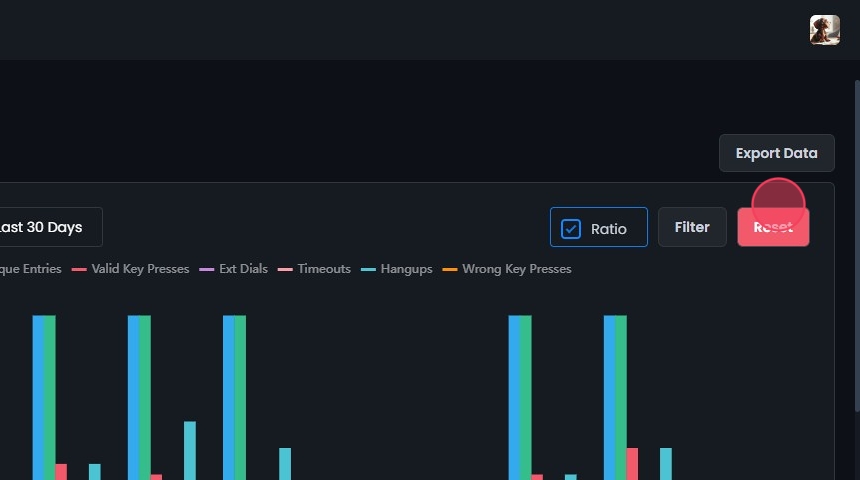
Toggle between Count and Ratio to change how the data is shown.

-
For more options, click Filter:
- Pick a start and end date and time, or pick a preset: Last week, Last month, Last 3 months, Last 6 months, or Last year.
- Choose a distribution: Daily, Monthly, or Hourly.
-
Click Update to apply your filters.

Understanding the Metrics
The graph plots these counts over the selected date range:- Total Entries (Blue)
- Unique Entries (Green)
- Valid Key Presses (Red)
- Ext Dials (Purple)
- Timeouts (Pink): Times callers timed out.
- Hangups (Teal)
- Wrong Key Presses (Orange)
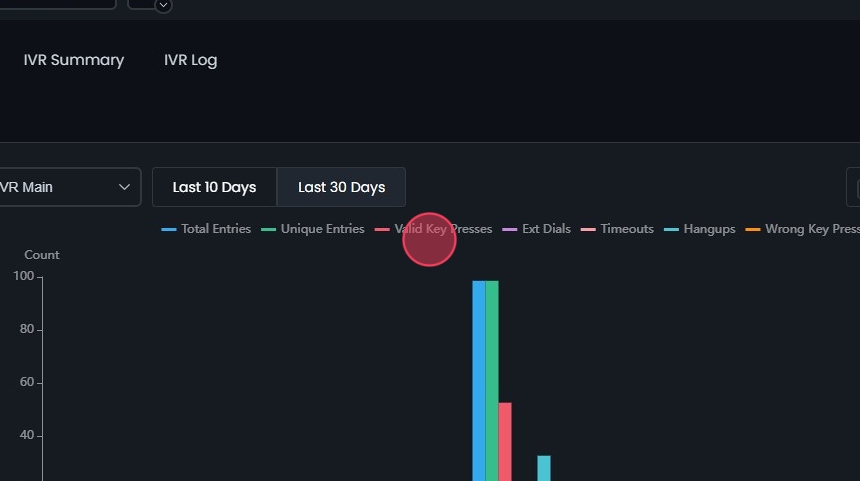 Hover over a point on the graph to see the numbers for each metric.
 Click a metric in the legend to hide it from the graph.

Exporting Data
After you apply your filters, click Export Data to download the report.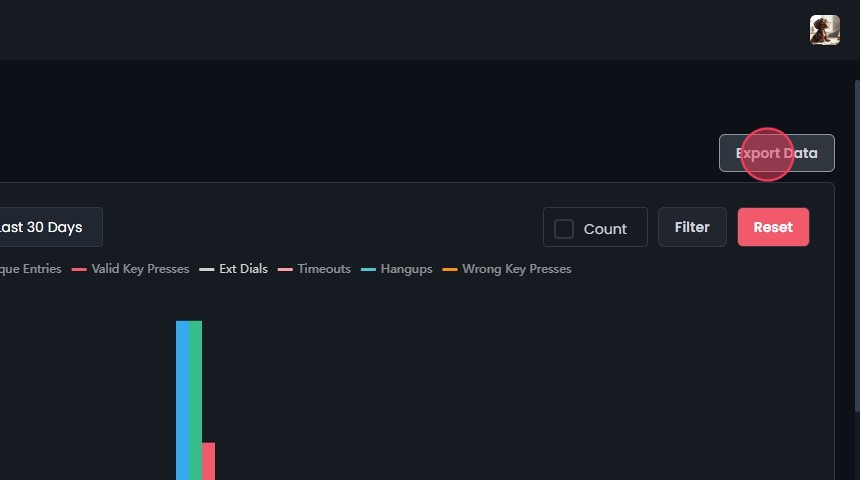
Viewing Additional Metrics
Loop Ratio
The number of loops per unique entry to the virtual receptionist. This card also shows total entries and unique entries.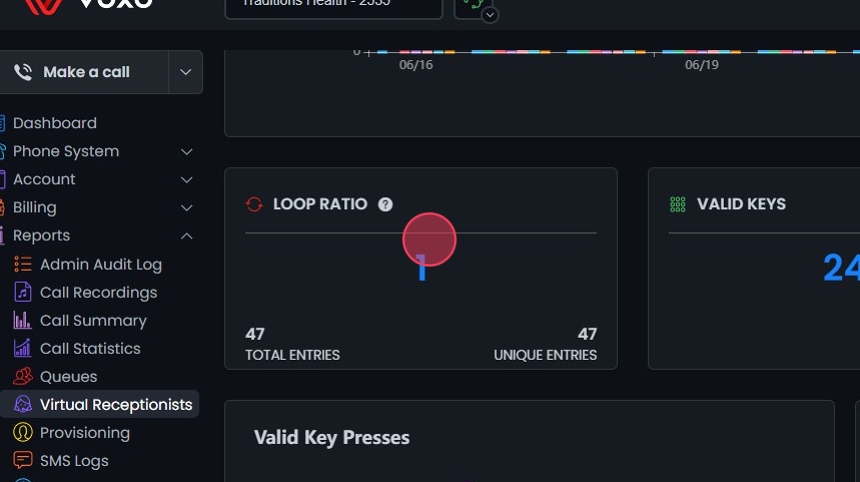
Valid Keys and Wrong Keys
These two cards count valid and wrong key presses. On each, click:- Total for the total number of presses.
- Avg for the average per day.
- % for the share of all key presses.


Valid Key Presses (pie chart)
Each segment is a different key. Hover over a segment to see its count (for example, key “2” was pressed 18 times). Click a key in the legend to hide or show its segment.
Valid Key Presses (bar chart)
Green bars show how many times each key was pressed: the X-axis is the number of presses and the Y-axis is the key. Hover over a bar to see the exact count.
Wrong Key Presses
Red bars show how many times each wrong key was pressed: the X-axis is the number of presses and the Y-axis is the key. Hover over a bar to see the exact count (for example, key “1” was pressed 5 times).
Extension Dialing
How often callers dialed each extension. Click any column header to sort by it:- Extension: The dialed extension.
- Count: How many times it was dialed.
- %: Its share of all extension dialing attempts.

Other Events
A bar chart of Ext Dials, Timeouts, and Hangups. Hover over a bar to see its count (for example, Timeouts = 50). Click Total, Avg, or % to switch between the total, average, and percentage of each event.